Smart Home Setup Guide for a Tech-Driven Lifestyle
When you buy through our links, we may earn a commission.
Creating a Seamless Smart Home Experience
If you’ve ever dreamed of living in a home that feels like it just knows what you need, you’re in the right place. Whether you’re setting up your first smart light or building a fully connected ecosystem, this guide breaks down how to create a smart home that actually makes your life easier, not more complicated.
Smart home technology has evolved far beyond voice assistants and motion lights. Today, you can control your entire home from your phone, create automations that match your routine, and even save on energy bills while you’re at it.
Start With the Essentials: Hubs and Voice Assistants
A smart home starts with a foundation: a hub or voice assistant that brings all your devices together.
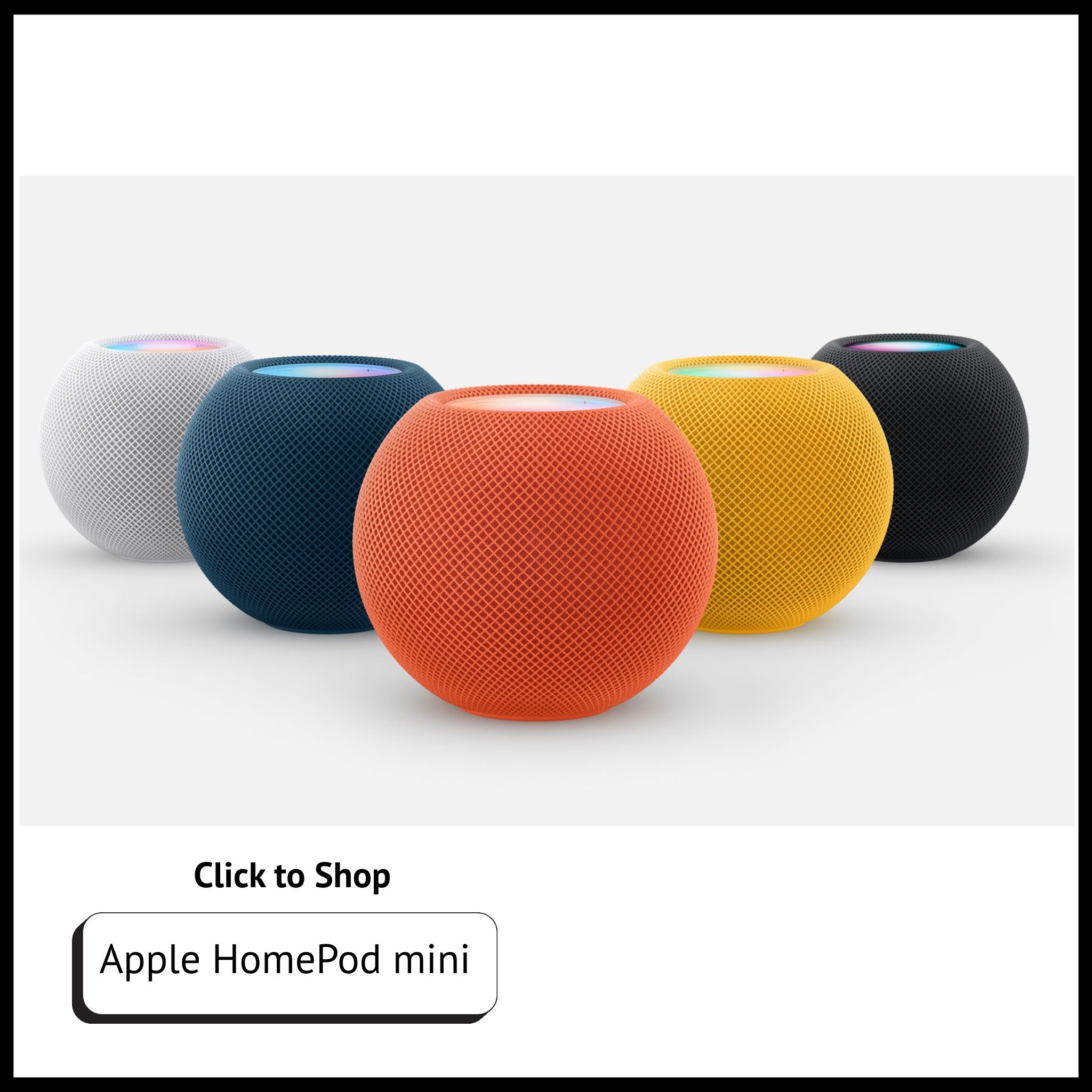
Apple HomePod Mini: Best for Apple ecosystem users - great for privacy and seamless iPhone integration.
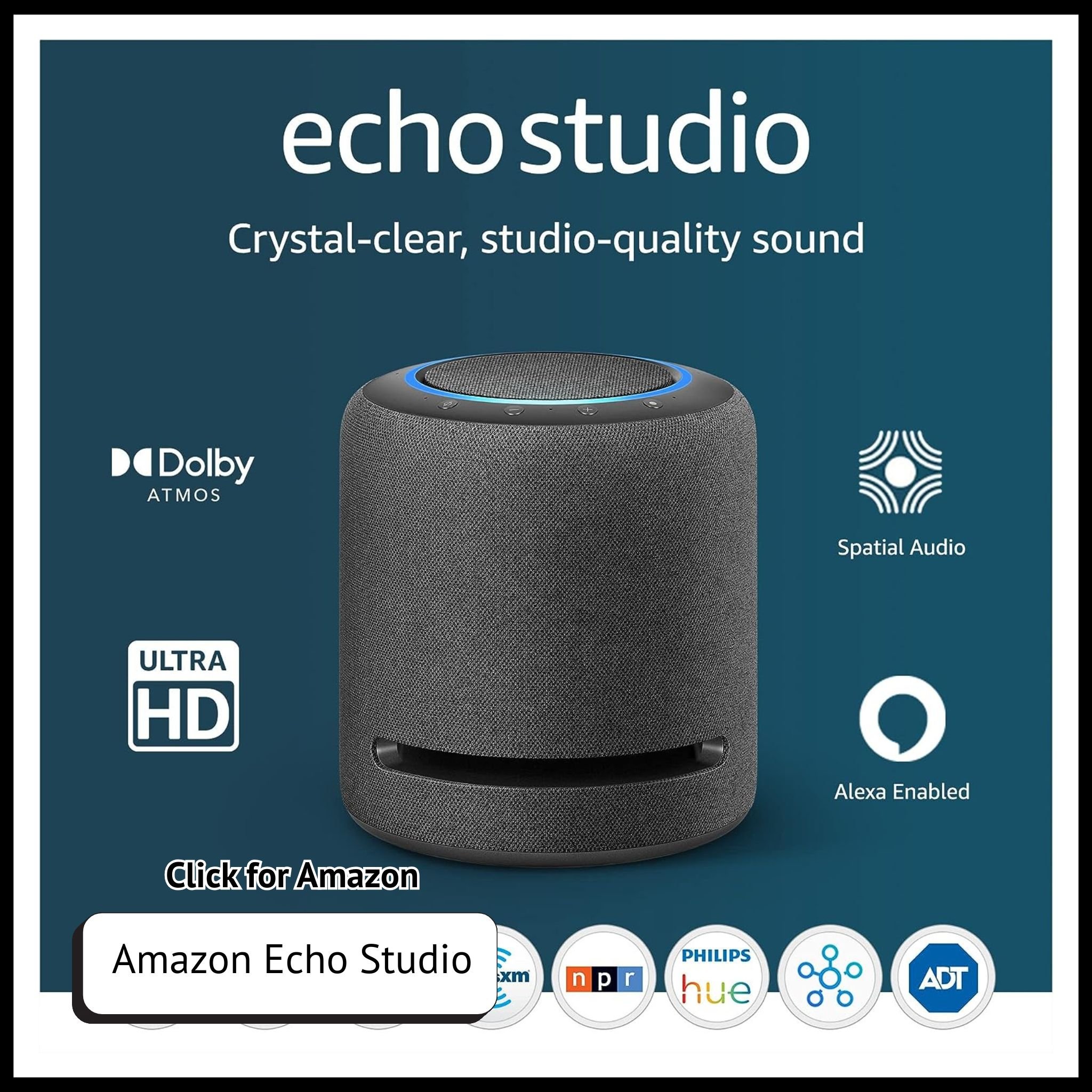
Amazon Echo Show: Perfect if you love Alexa’s routines, video calls, and security camera displays.
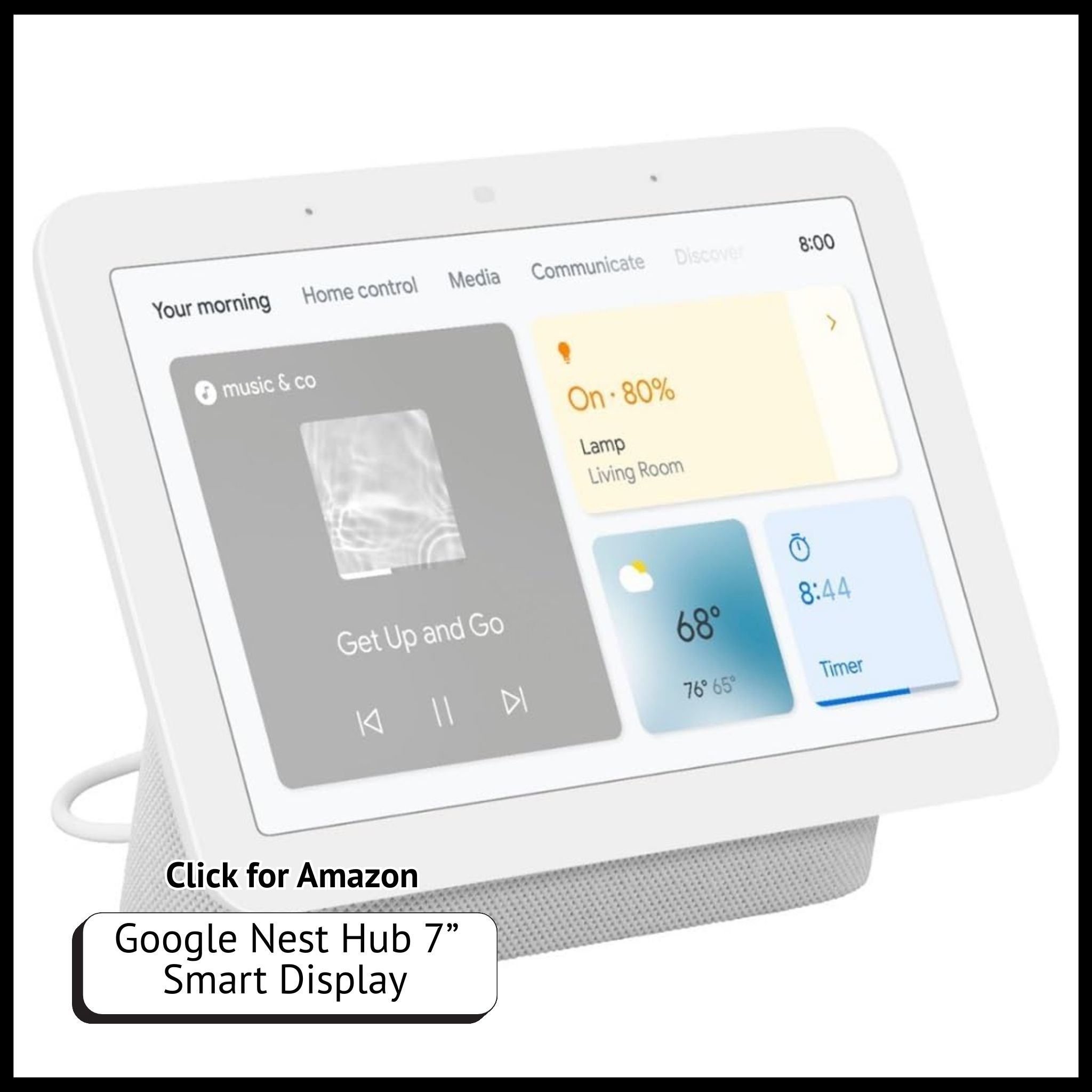
Google Nest Hub: Ideal for Android households and Google Assistant fans.
Each option connects to compatible smart devices like lights, locks, thermostats, and cameras. Choose the one that best fits your phone ecosystem and daily routine, you’ll thank yourself later.
Check out the Best Smart Light Brands for Home Automation
Smart Lighting: Function Meets Mood
Lighting sets the tone for every space. A smart lighting setup can help you wind down at night, wake up gently, and even boost focus during work hours.
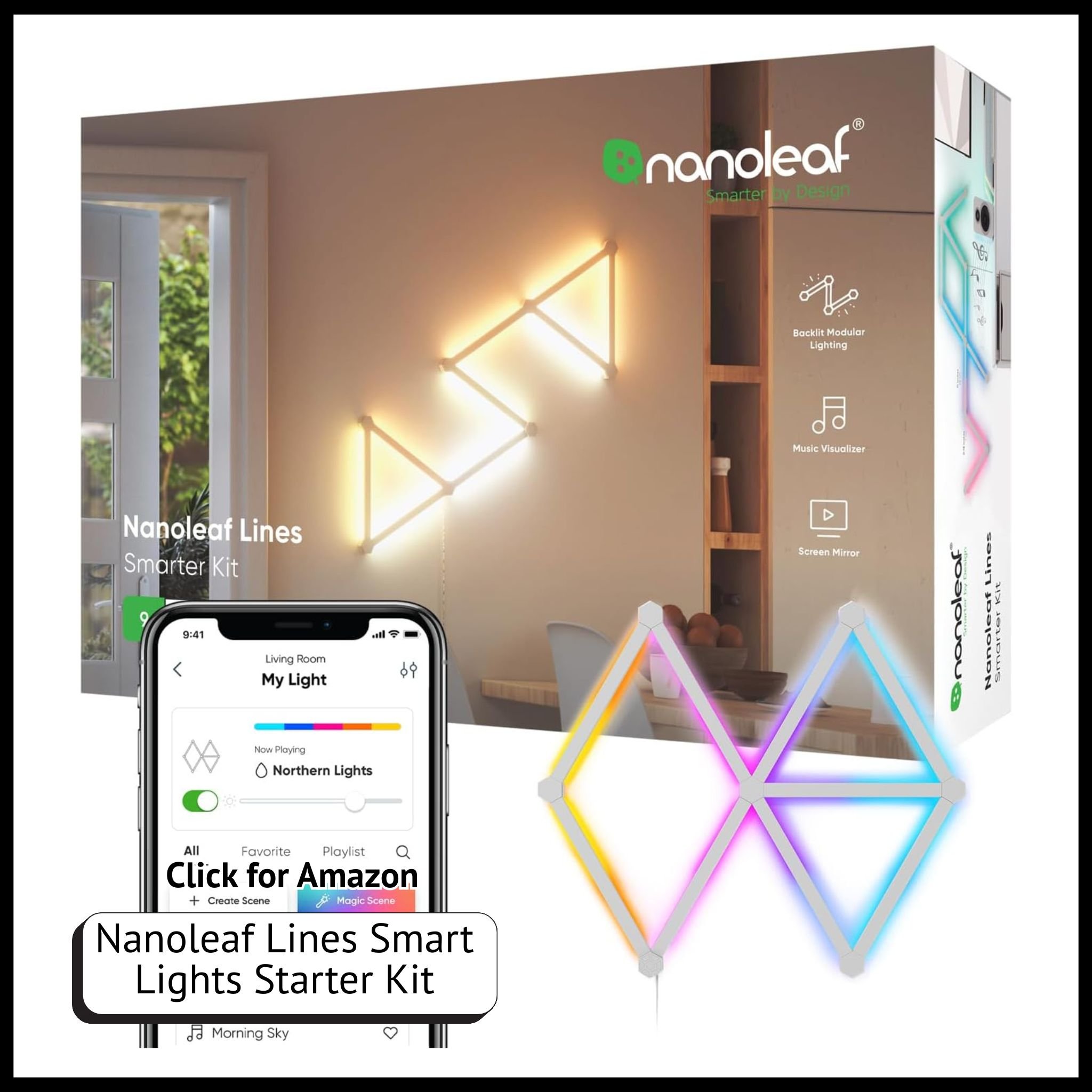
Start with smart bulbs from brands like Nanoleaf, Philips Hue, or Govee. These let you customize brightness, color temperature, and even sync to music or games.
Pro Tip: Create scenes like “Cozy Night In,” “Focus Mode,” or “Movie Time” for instant atmosphere changes.
Check out these Essential Security Upgrades for a Smarter Home.
Automate Comfort with Smart Thermostats and Plugs
A truly smart home adapts to your lifestyle. Smart thermostats like the Ecobee or Nest Learning Thermostat learn your schedule and adjust temperatures automatically. Pair these with smart plugs to schedule appliances, turn off devices when you’re away, or even warm up your coffee maker before you wake up.
Not only is this convenient, it’s energy-efficient.
Lock It Down: Smart Security for Peace of Mind
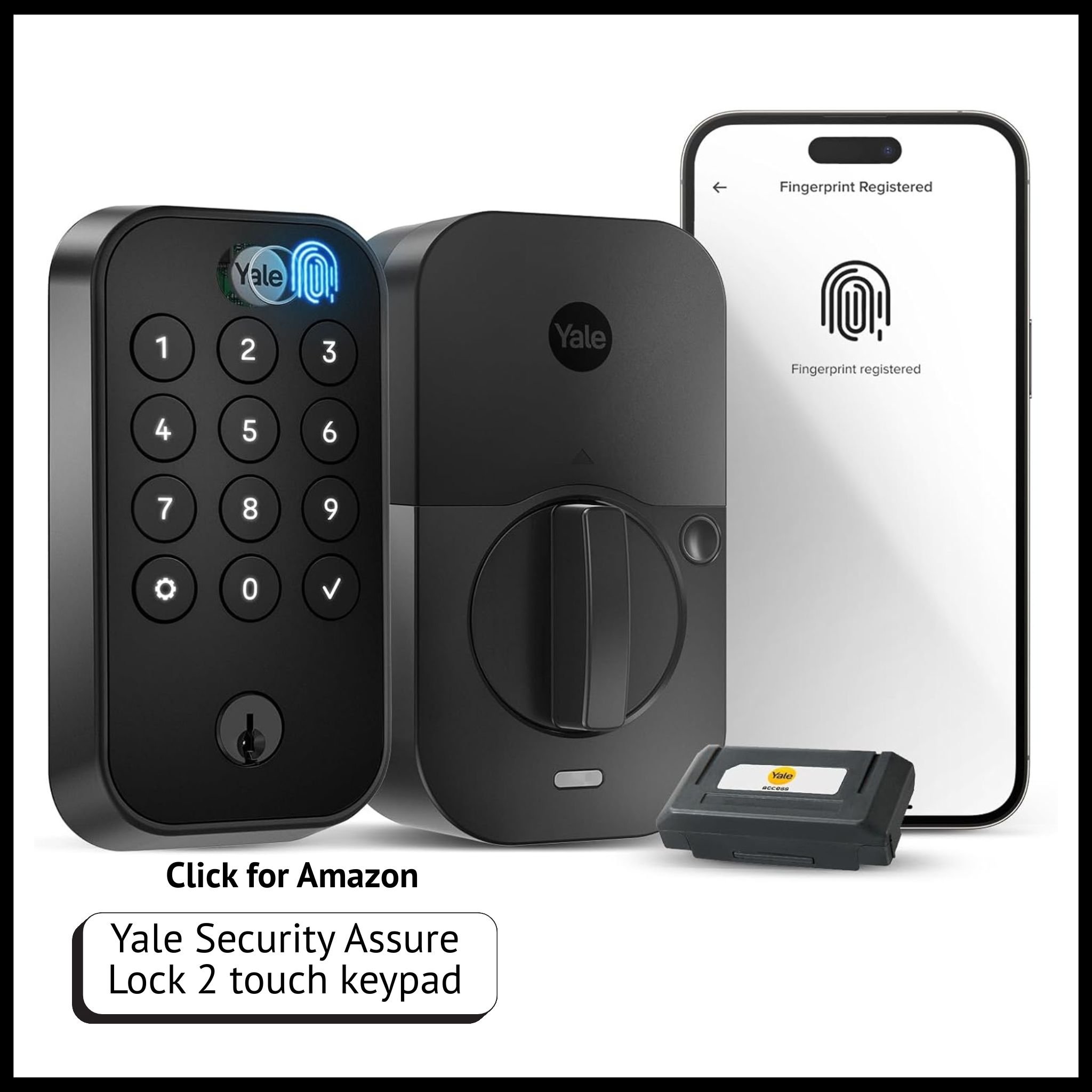
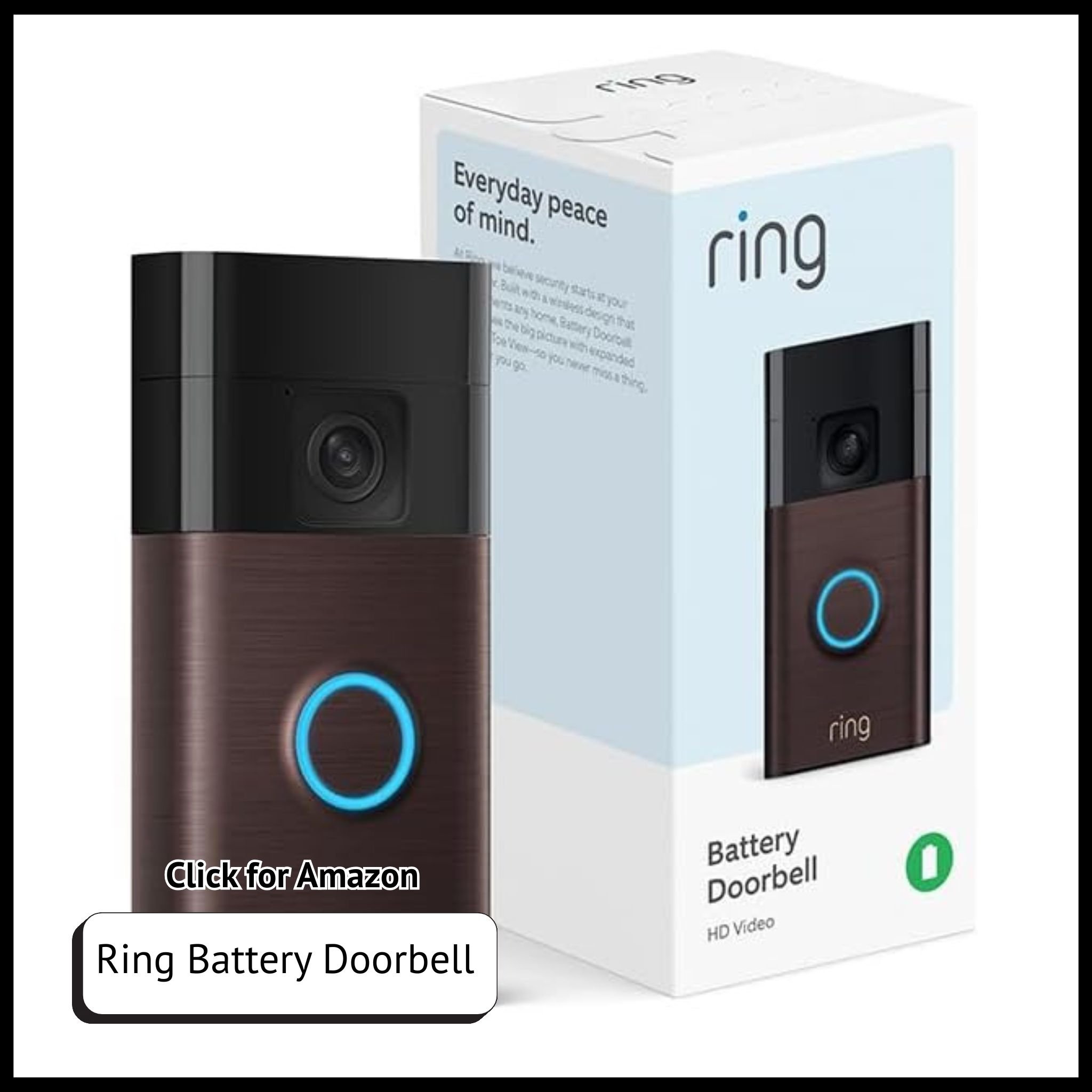
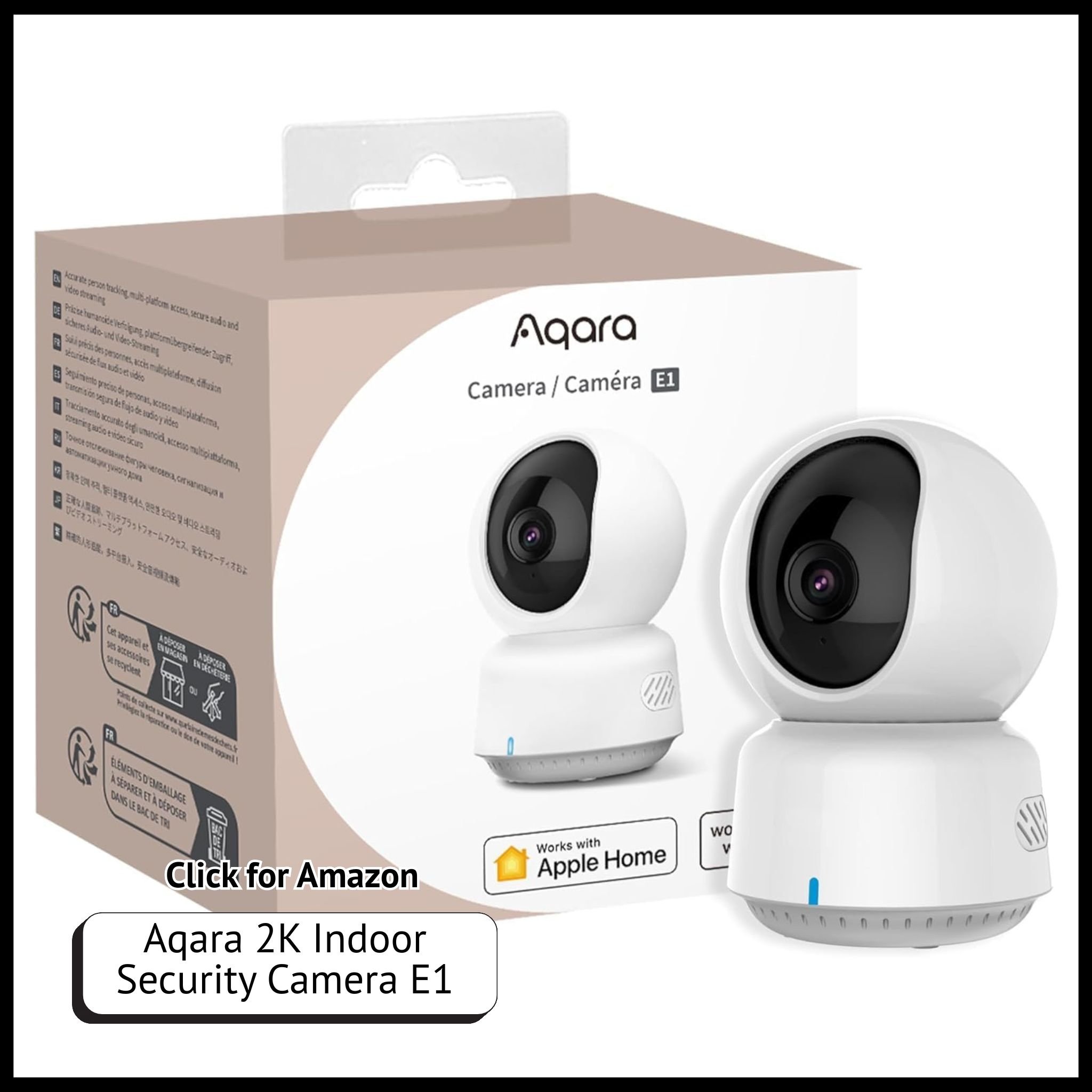
Your home should make you feel safe as much as it makes you feel connected. Smart locks, doorbells, and cameras bring peace of mind wherever you are.
Consider:
Smart Locks (August, Level Lock): Lock/unlock via phone or automation.
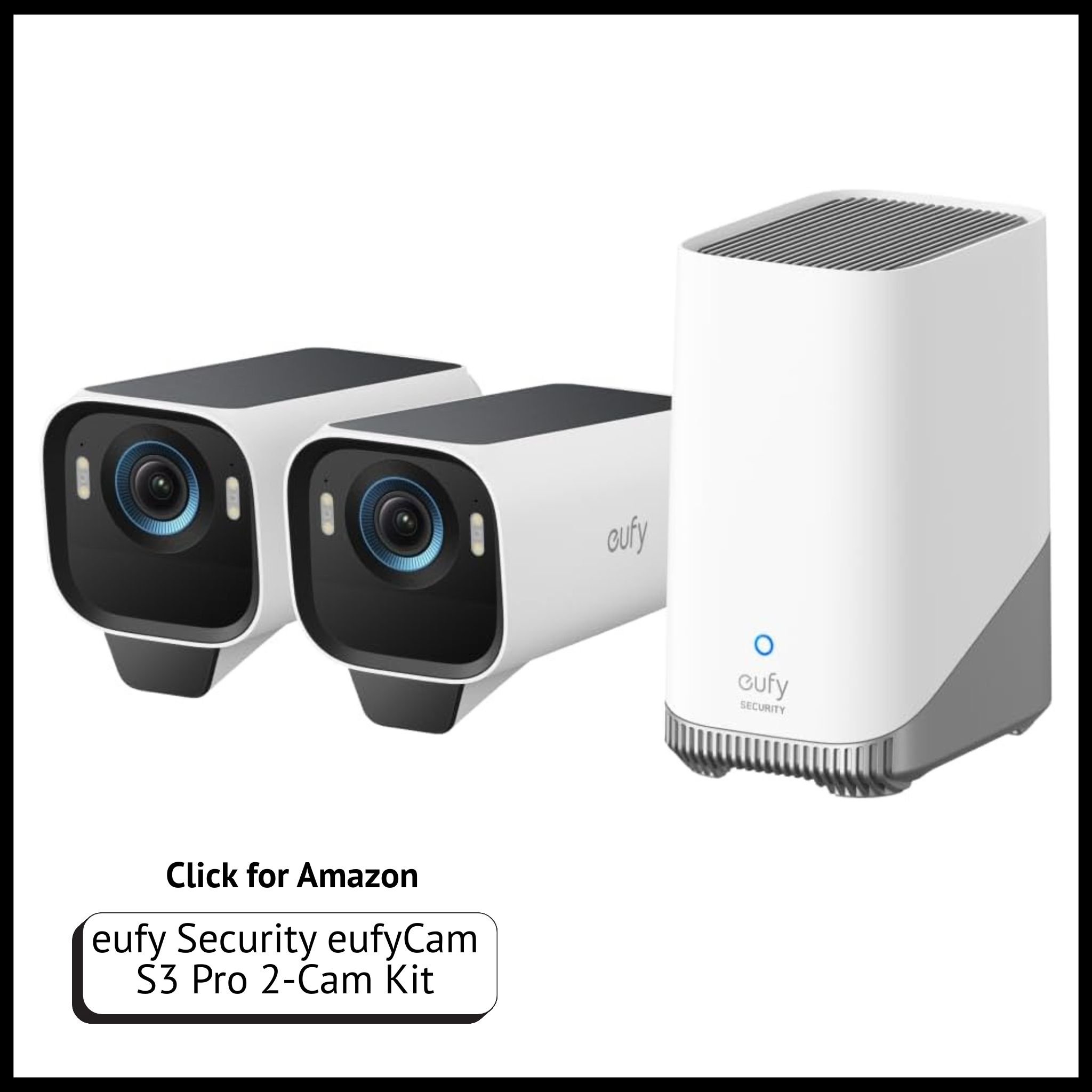
Video Doorbells (Ring, Eufy): Get notifications when someone’s at your door.
Indoor/Outdoor Cameras (Aqara, Eufy): Keep tabs on your home without breaking the bank.
Combine these with motion-activated lighting for added security and bonus energy savings.
Entertainment That Syncs With Your Life
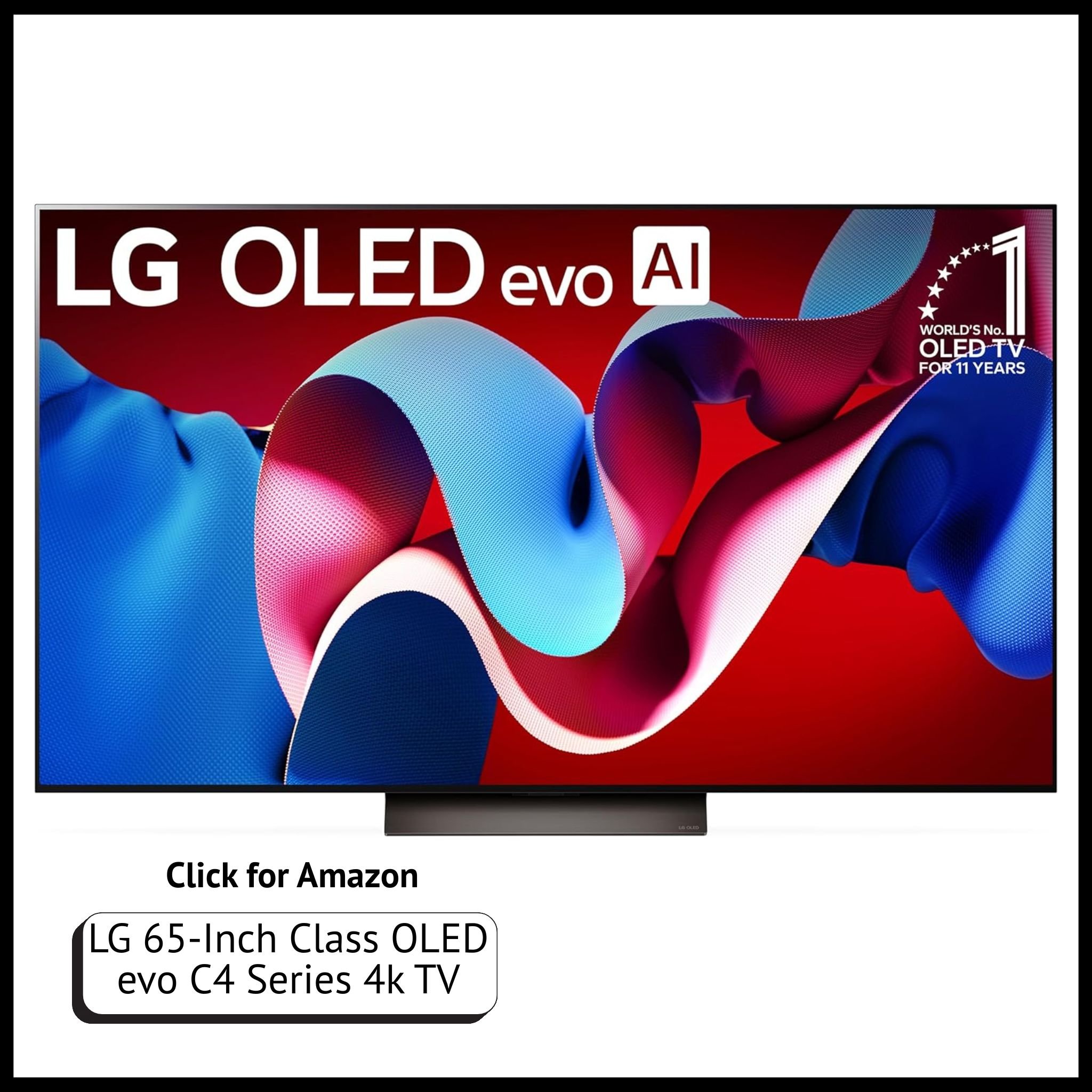
Smart TVs, speakers, and streaming setups take your downtime to the next level.
If you’re a gamer, RGB lighting synced to your console or PC can turn a normal setup into a cinematic experience. For movie nights, use a smart plug to dim your lights automatically when your TV turns on.
Favorite Setup Combo:
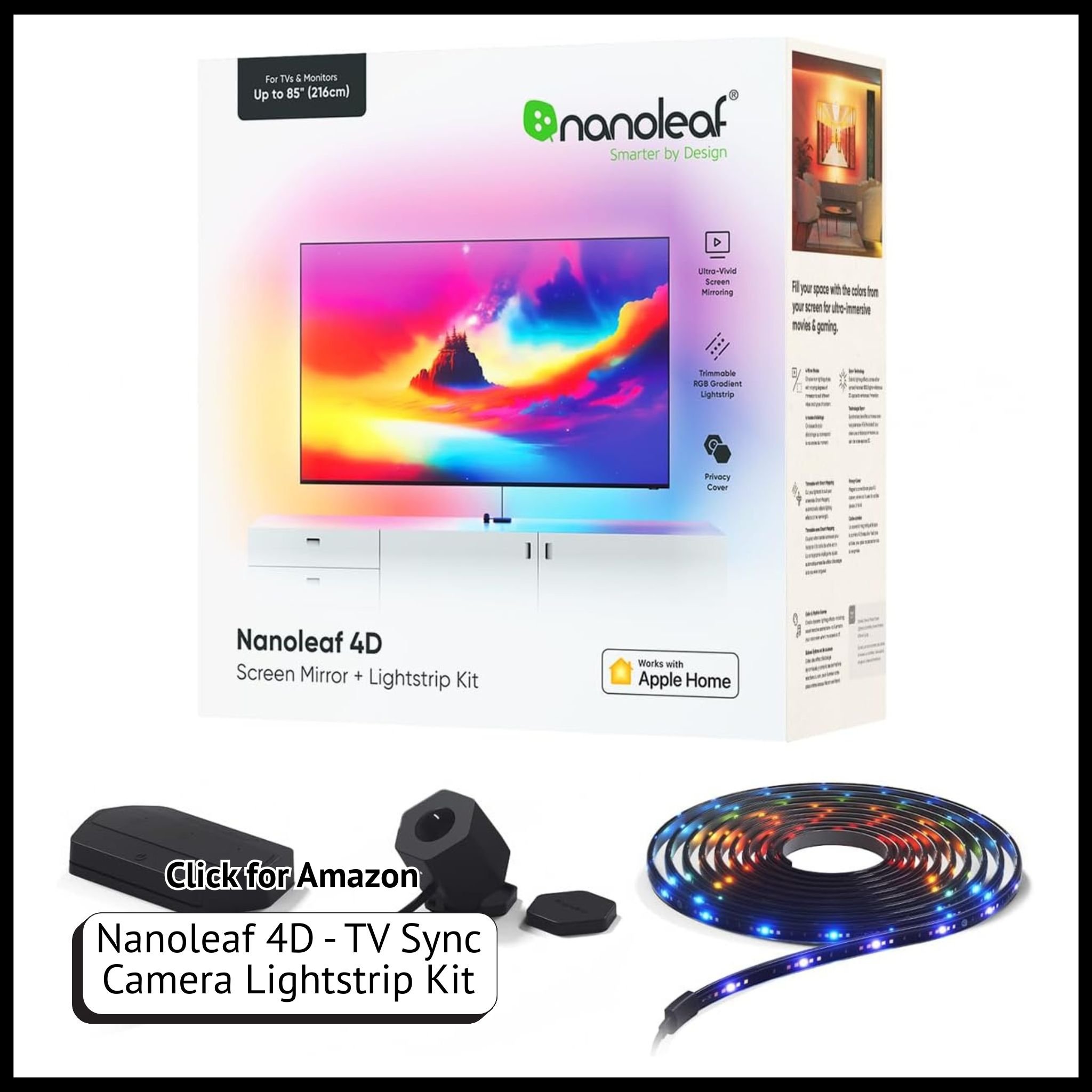
TV + Nanoleaf Lines + Nanoleaf 4D Backlight and camera = effortless mood lighting for gaming or Netflix nights.
Tips for Designing a Tech-Driven Smart Home
Start small. Build one room at a time to avoid tech overwhelm.
Label devices clearly in your smart home app so you can control them quickly.
Create automations that match your real habits (like lights dimming when you start a movie).
Group devices by room for easier voice commands and schedules.
Your home should work for you, not the other way around.
Final Thoughts
A smart home isn’t just about gadgets, it’s about designing a lifestyle that supports productivity, relaxation, and security. Whether you’re automating morning coffee or setting up multi-room lighting, the right tools can help you live more efficiently and comfortably every day.
Shop this Post:
If you loved this post, check out related guides on:
Don't miss out! Sign up to receive news and updates
Unlock More